Create videos with Json2Video and Upload directly to Instagram Reels and Youtube Shorts
Create videos with Json2Video and Upload directly to Instagram Reels and Youtube Shorts
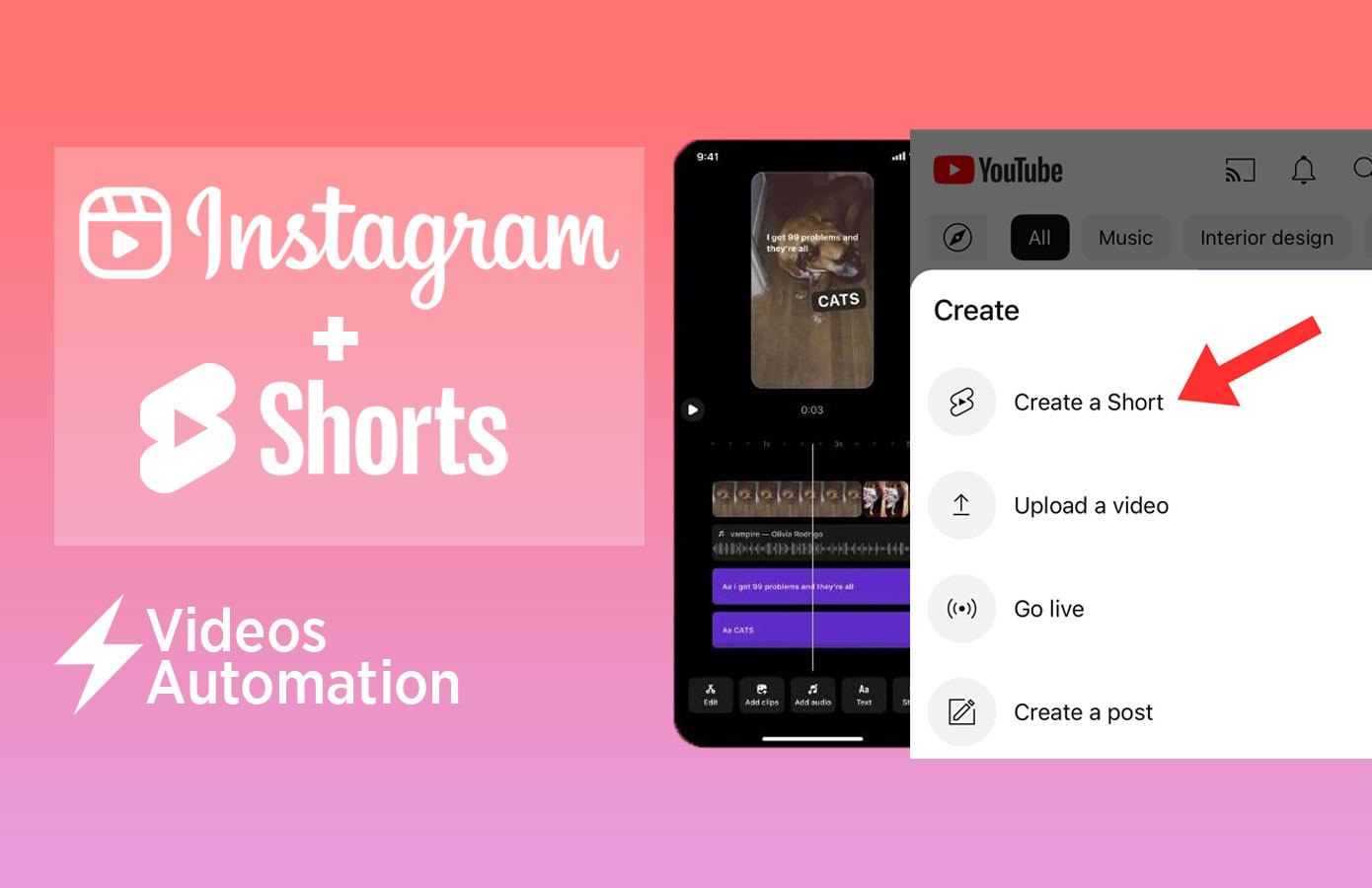
This scenario automates the creation of two 15s videos per day for Instagram Reels and YouTube Shorts, complete with captions, descriptions, and trending audio, and directly posts them to Instagram. Designed for content creators, marketers, and e-commerce brands, this scenario requires minimal input and leverages AI-powered tools for efficiency and creativity.
How It Works
- Google Sheets Input: Start by entering the product title and 6 image/video links (URLs) required for the Shotstack video template in the Google Sheet. This serves as the trigger for the automation.
- Google Gemini AI: Automatically generates engaging video descriptions and captions using the product title.
- Early Trending Audio Scraper: Audio is scraped directly from the Instagram page
@early.trending.audioto ensure your videos feature the latest popular audio trends. - Json2Video Video Generation: Combines the 6 uploaded images/videos, captions, descriptions, and trending audio into a cohesive, professional-quality video suitable for both Instagram Reels and YouTube Shorts.
- Telegram Bot Verification: Optionally sends the generated video to a Telegram bot for review or archiving.
- Instagram & YouTube Posting:
- Instagram for Business: Posts the video directly to Instagram as a Reel, including the AI-generated caption and description.
- YouTube: Uploads the video to your YouTube channel as a Short, including the caption as the video description.
Features
- AI-Powered Content Creation: Google Gemini ensures engaging descriptions and captions tailored to your content.
- Trending Audio Integration: Stay relevant with audio sourced directly from trending Instagram pages.
- Video Automation: Generate sleek, customized videos using Shotstack templates with no manual effort.
- Multi-Platform Posting: Automates publishing to both Instagram Reels and YouTube Shorts.
- Hands-Free Workflow: Input data once, and let the system handle everything from video creation to posting.
What You’ll Need
- Google Sheets: Add the product title and links to 6 images/videos for each video template.
- Json2Video Template: Pre-configured video template to combine media, captions, and trending audio.
- Instagram for Business: Set up and authenticated for automated posting.
- YouTube API Integration: Connect your YouTube account to enable automated uploads.
- Telegram Bot (Optional): Receive video drafts or notifications for review.
- Make.com Integration: Handles the workflow from Google Sheets to both Instagram and YouTube.
Why Use This Scenario?
This automation is perfect for e-commerce brands, content creators, or agencies looking to streamline video production, save time, and stay on top of Instagram and YouTube trends. By using Google Sheets and Shotstack, along with trending audio, you can focus on strategy and creativity while the system handles the heavy lifting.
Download the JSON file and take your Instagram and YouTube Shorts content strategy to the next level!

Files
Apps on this automation

Google Sheets

Telegram Bot

Apify

Convertio

Gemini AI

Tools

Text parser

JSON2Video

HTTP

Flow Control